
Companies House has introduced a new mandatory system for verifying the identity of company directors in the United Kingdom. This process is personal and each director must complete it on their own for the company to keep operating normally.
Step 1: Accessing the verification process
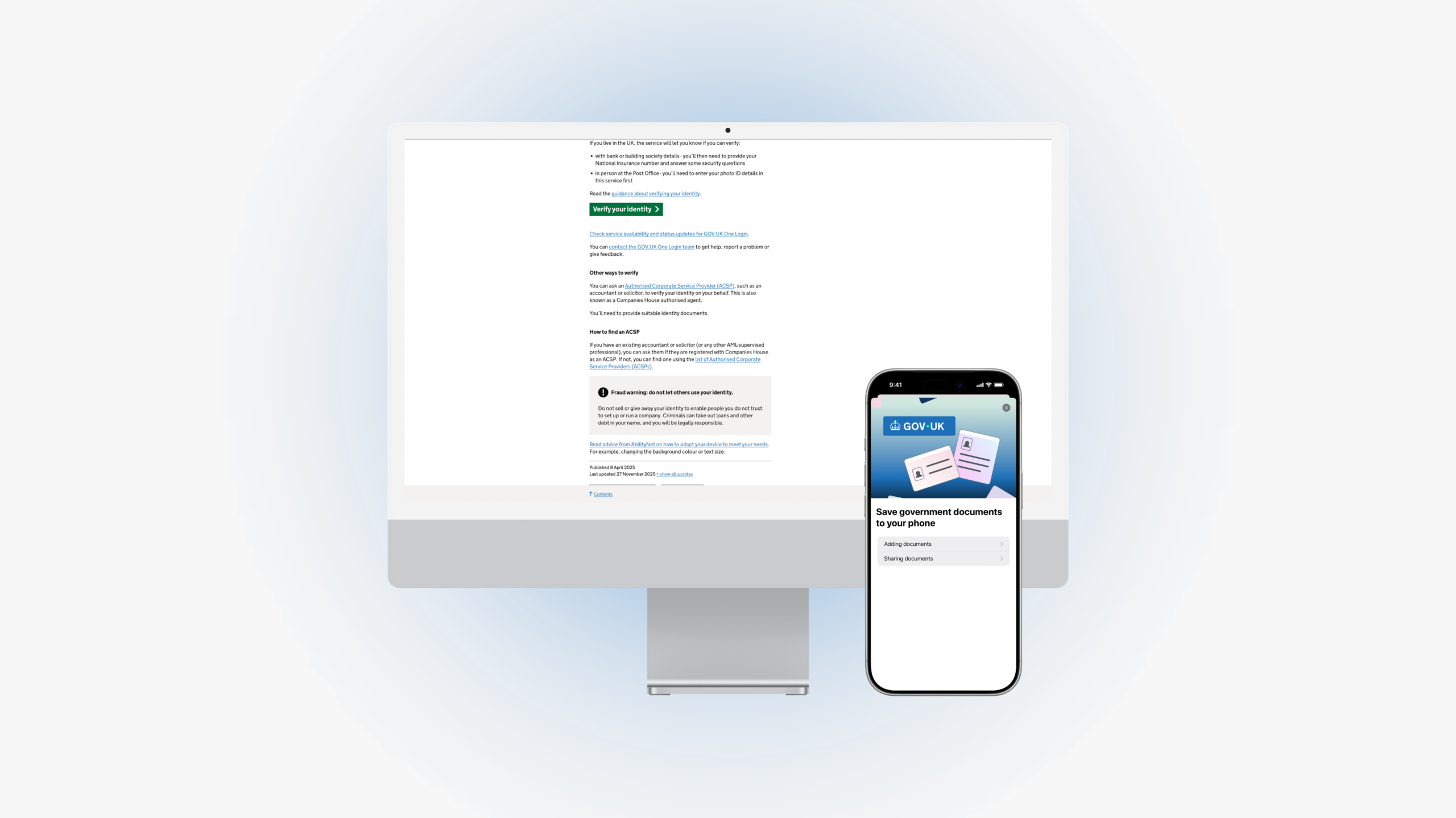
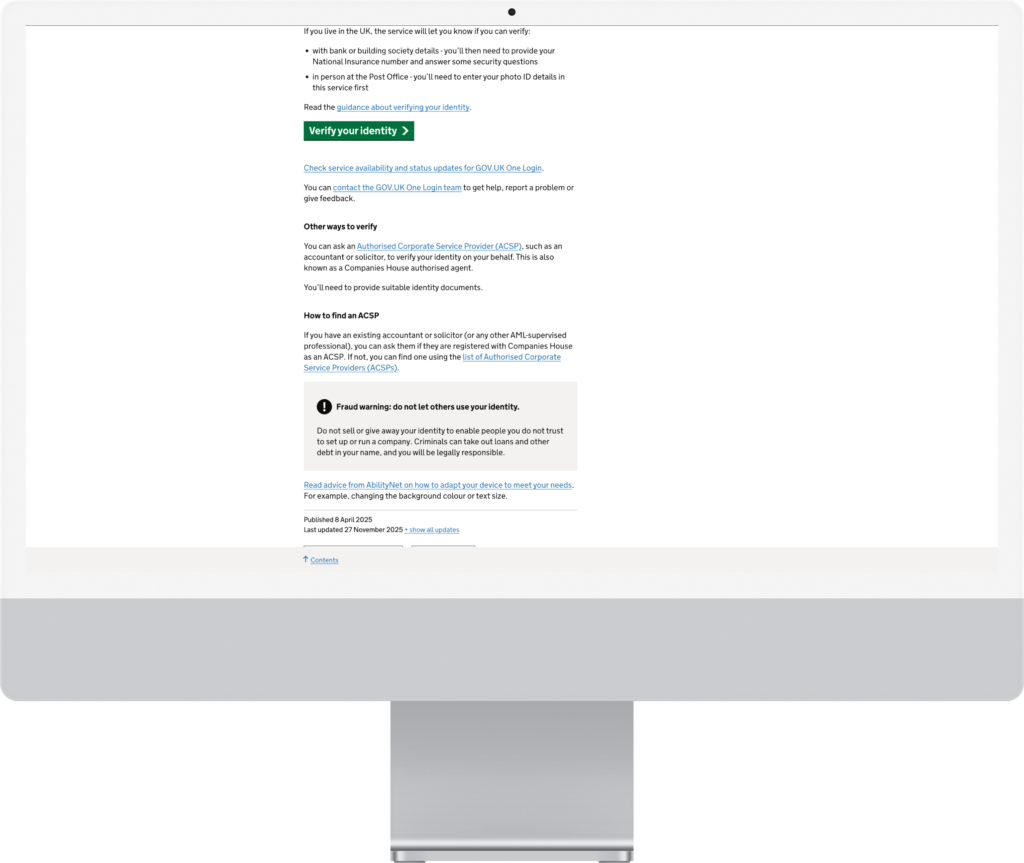
The first step is to go to the official UK Government page where identity verification begins. The whole process starts from this website and you do not need to go through any agent or intermediary. Once there, just click the option to verify your identity and follow the on-screen instructions.
Step 2: Creating your personal account
When you start the process, the system will ask you to create a personal account on GOV.UK or to sign in if you already have one. This account is personal and each director must have their own. The whole identity verification is managed from this account.
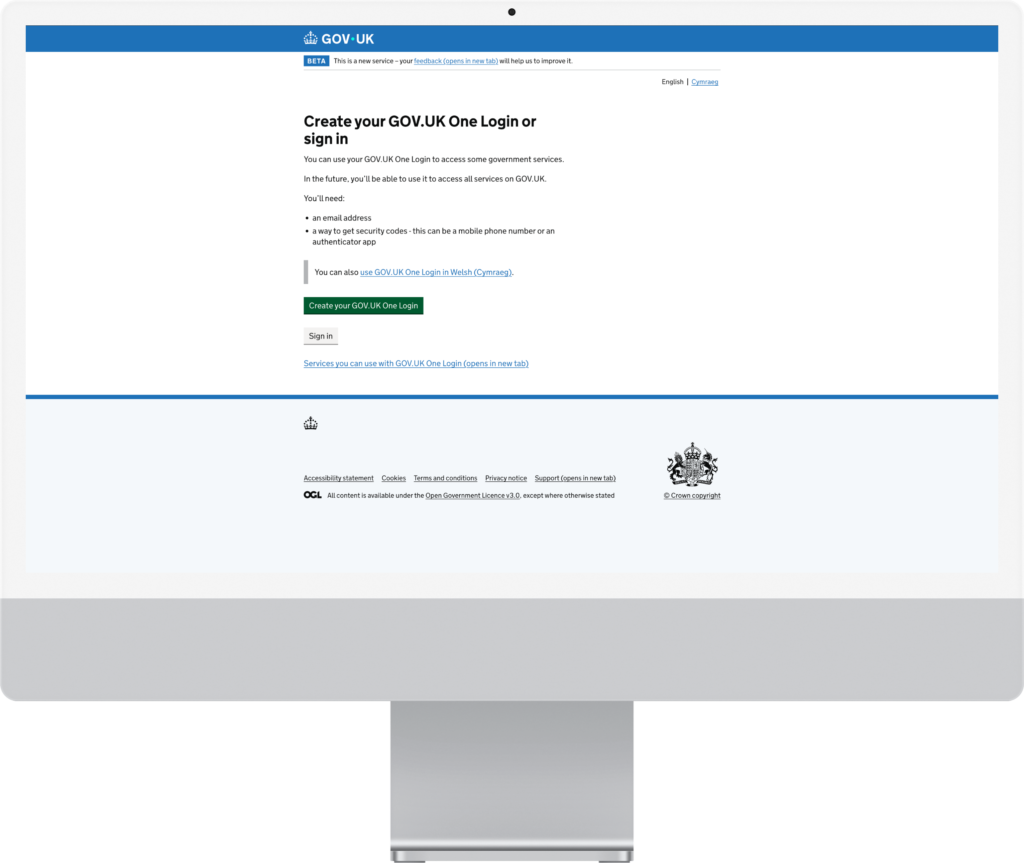
Step 3: Using your mobile phone
During the process, the system will tell you to use your mobile phone to continue. At this point you will be asked to download the official GOV.UK One Login app, available for iPhone and Android. The phone is needed to complete the verification.


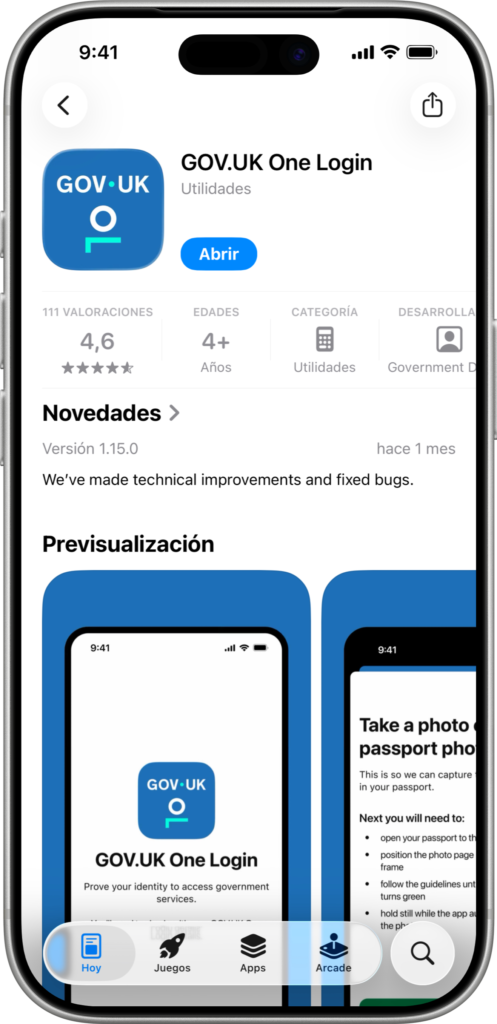
Step 4: Verifying your passport
Through the app, you will have to scan the page of your passport that shows your photo. The system will guide you to position the document correctly and capture the necessary information.
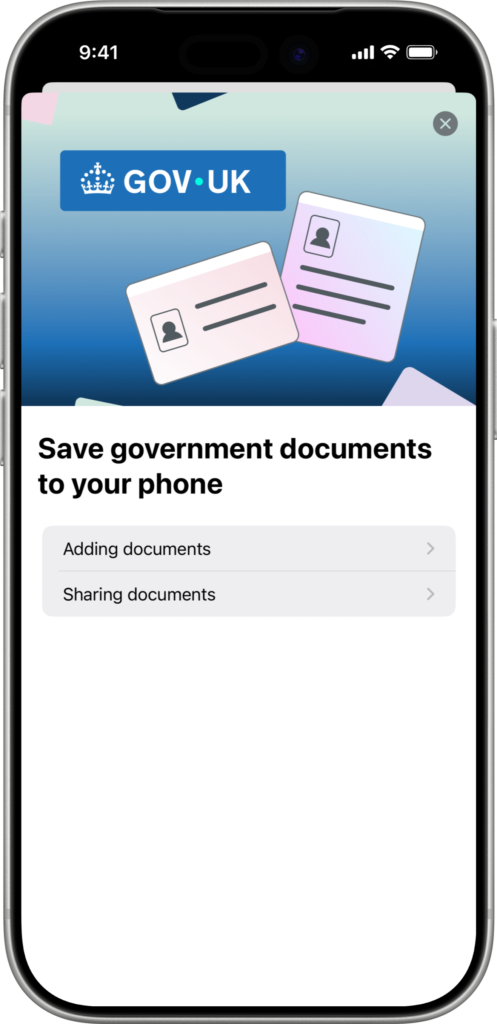
Step 5: Facial verification
After the passport scan, the app will run a facial check using your phone’s camera. You just need to follow the on-screen instructions until the process finishes.
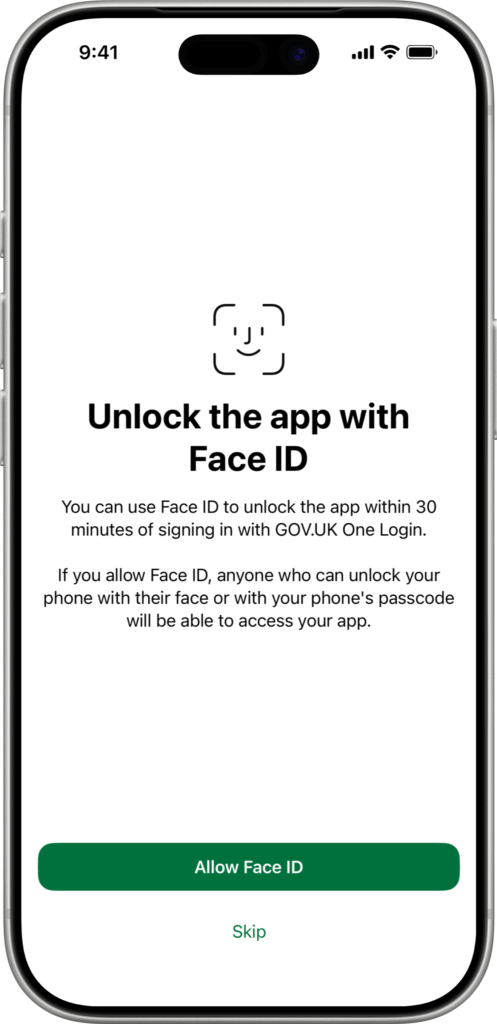
Step 6: Completing the process
Once all the steps are completed, your identity will be verified and Companies House will generate a personal verification code linked to your personal profile. This code is used to link you to your company and meet the new legal requirements.
Conclusion
This process is mandatory for all directors and does not depend on the agent that created the company. Doing it directly is the fastest and simplest way to comply with the rules and avoid problems with Companies House.
If you created your company directly with Aiden and did not import it from another agent, you can send us your personal verification code so that we can add it from our agent account. Just send the code from your client email to startup@aiden.es and we will take care of adding it for you.