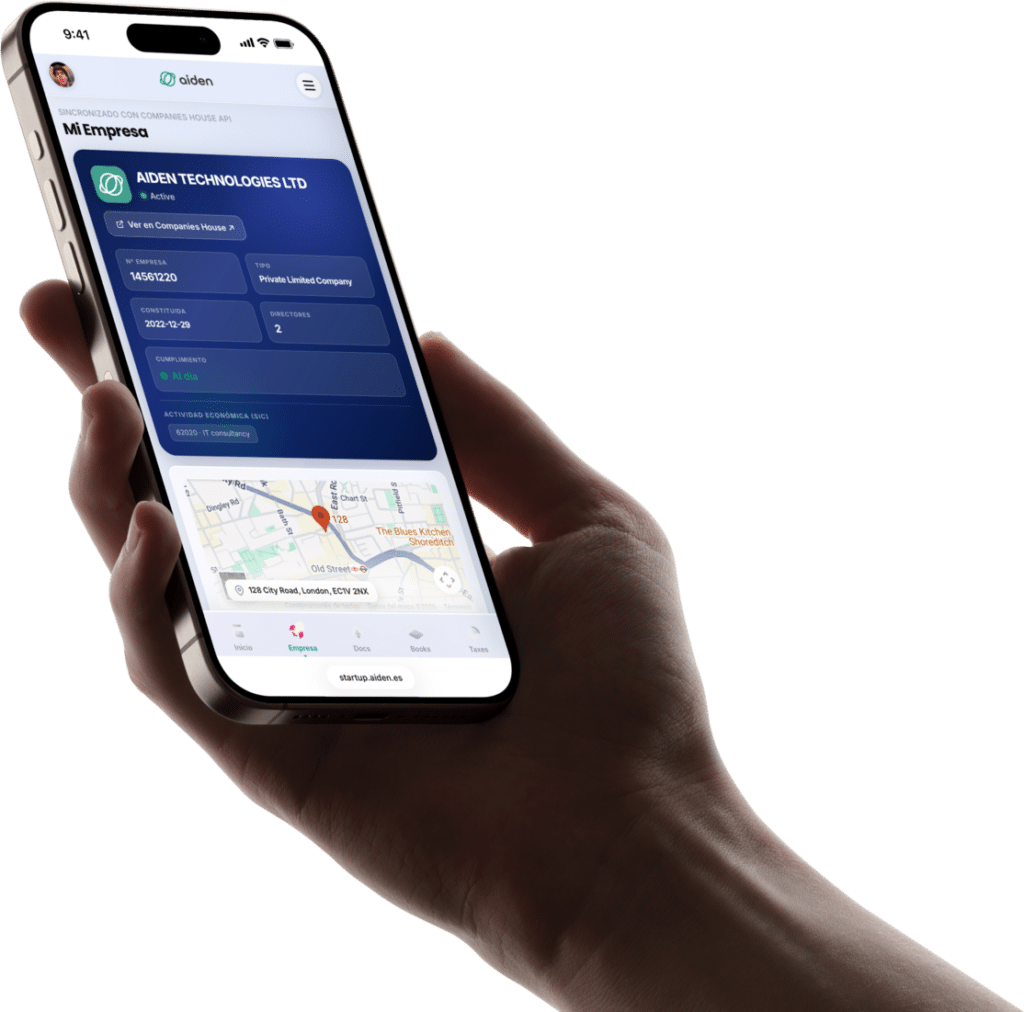
Freelance
Per-project invoice with its payment link; the client pays by card on the spot.


Issue invoices with your brand, share a payment link and receive the money in your own Stripe account. Each issue's conditions, always in plain sight.
Aiden Pay comes with your plans: invoices with your brand, a hosted payment page and payments to your own Stripe account. Each issue's conditions, always in plain sight.
Branded invoices
Issue with your tax details and your numbering, in EUR, GBP or USD.
Each invoice has its hosted payment page, with card payment.
Statuses and tracking
Draft, sent, pending, paid or overdue: each invoice's status, always clear.
You follow it from your dashboard, without chasing spreadsheets.
With your plan
Aiden Pay comes with Aiden Startup plans; what each issue costs is visible before you issue it.
It comes with Aiden Startup plans, inside your dashboard.
Every paid invoice lands in your accounting, alongside your documentation.
Provider fee and applicable conditions, visible before issuing.
Generate a secure payment link and send it by email or WhatsApp. Your client pays by card, no account needed.
Customise logo, colours and tax details. Issue invoices in EUR, GBP or USD depending on your client's country and your company.
You connect your own Stripe account and the money from every payment goes straight to it.
Draft, sent, pending, paid or overdue: each invoice's status, always clear in your dashboard.
Every paid invoice lands in your Books accounting, alongside the rest of your documentation.
Each invoice has its own payment page; the client pays by card without creating an account.
Four steps to issue your first collectable invoice.
With Stripe Connect you link your own account in a few clicks; the money from every payment goes straight to it.
With your details and the client's, in EUR, GBP or USD. Any applicable fee is shown before you issue.
The client receives the invoice with its hosted payment page and pays by card, without creating an account.
When they pay, the money reaches your Stripe account and the invoice is reflected in Books, alongside your documentation.
Stripe Invoicing collects payments well. The difference with Aiden Pay is that your invoice is also reflected in Books, alongside the rest of your company.
One-off payments or periodic invoices you issue when due, with status tracking.
Per-project invoice with its payment link; the client pays by card on the spot.
Monthly invoices for retainers or per milestone, in EUR, GBP or USD depending on the client.
Client invoicing with clear statuses: pending, paid or overdue, always in sight.
Every paid invoice is reflected in Books, alongside the rest of your documentation.
Create an invoice, generate the payment link, see how the client views it. Illustrative demo, nothing gets charged.
The client has paid —. The money is on its way to your account and the invoice is now recorded in Books.
The invoice is reflected in Books; each issue's conditions are shown before you issue.
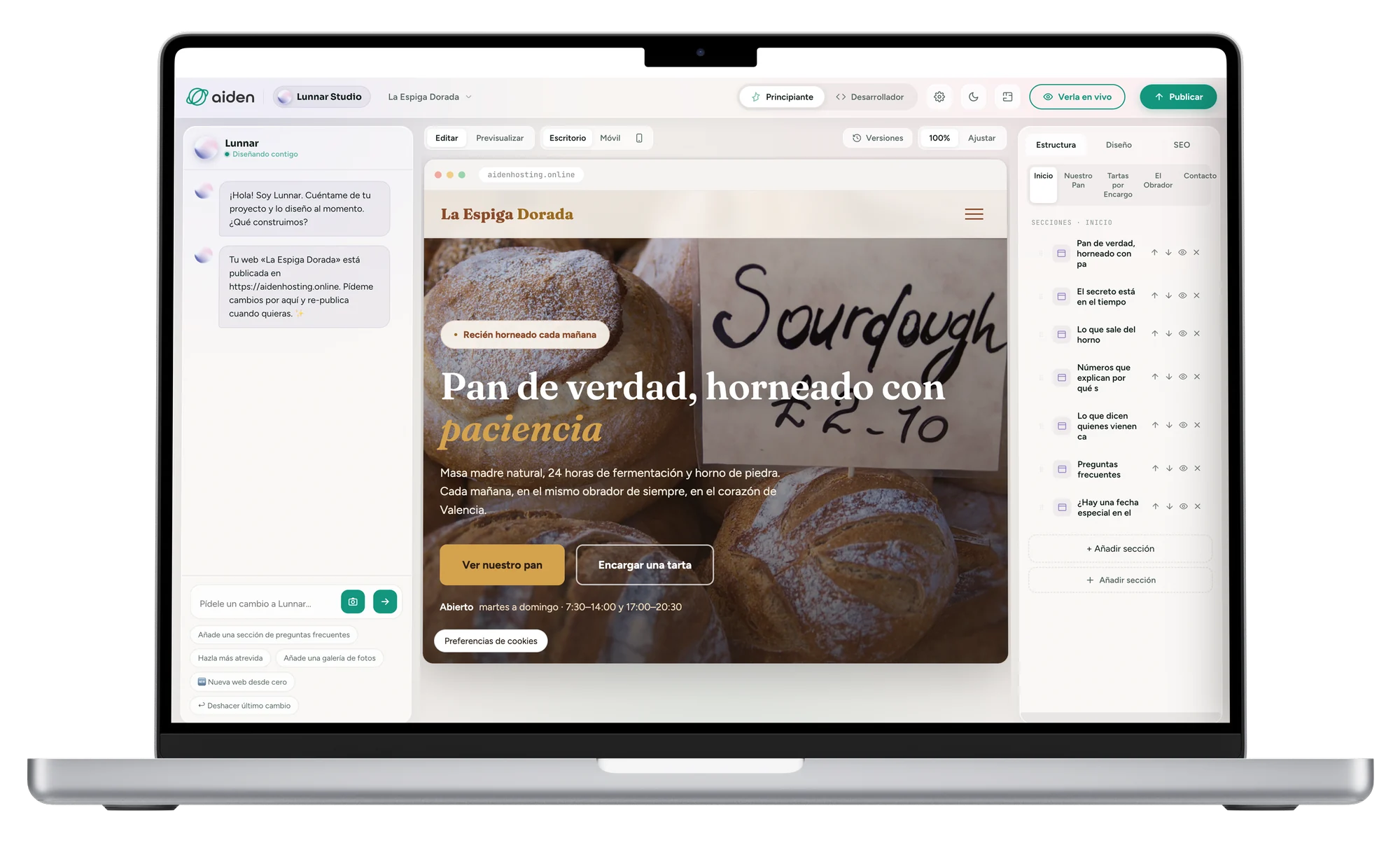
You connect your own Stripe account with Stripe Connect; the client pays by card from each invoice's payment page and the money reaches your account.
The applicable conditions are always shown before you issue each invoice, along with the payment provider's fee (Stripe). No surprises afterwards.
Yes: you connect your existing Stripe account. Aiden doesn't open new accounts.
Yes: each invoice can be issued in EUR, GBP or USD.
Each invoice has its status — draft, sent, pending, paid or overdue — and is reflected in Books.
Yes. Aiden Pay comes with Aiden Startup plans, with each issue's conditions in plain sight.
Aiden Pay is included in every Aiden Startup plan, with each issue's conditions in plain sight.
Usamos cookies para medir el uso de la web y mejorar nuestros anuncios. Puedes aceptarlas o rechazarlas. Política de cookies